A fricanwesomeutomatedffordabledaptable Bioinformatics Computing Cluster a.k.a. Abhi's Baby Cluster
A cluster designed to be your research assistant so you may focus on the science.
Cluster services.
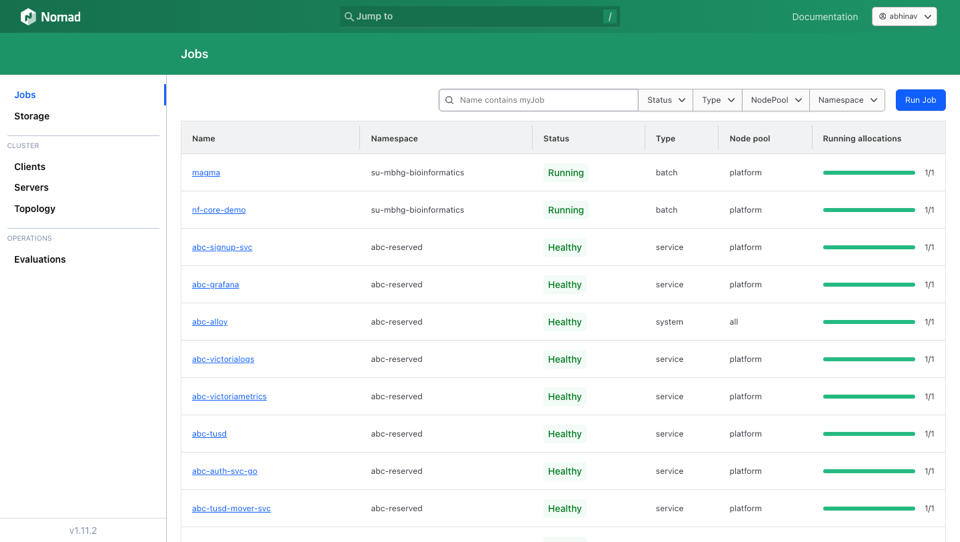
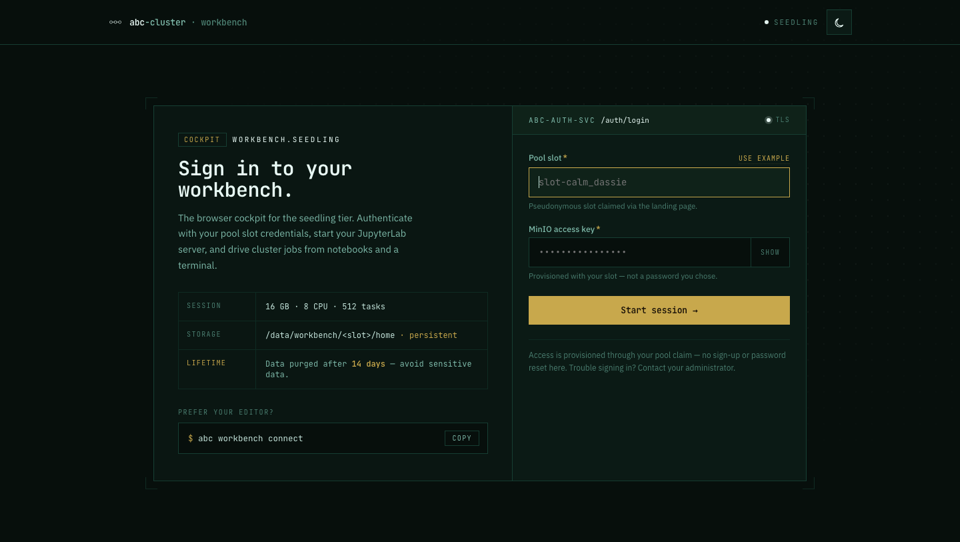
Six consoles cover day-to-day work. Everything but the job
dashboard is authenticated with your cluster token — the same
one the abc CLI uses, issued after your access
request is approved. The job dashboard is public,
read-only — no login needed.
abc data upload from the CLI (below).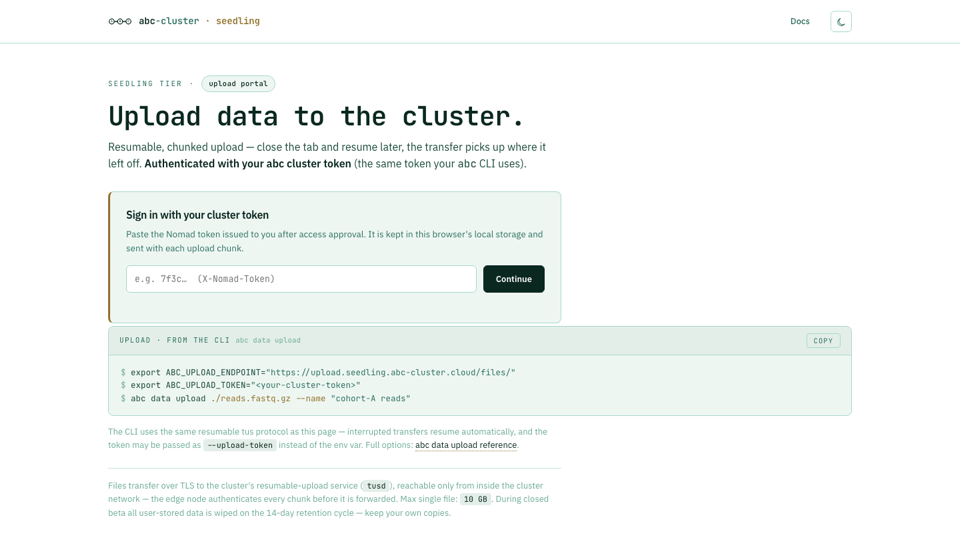
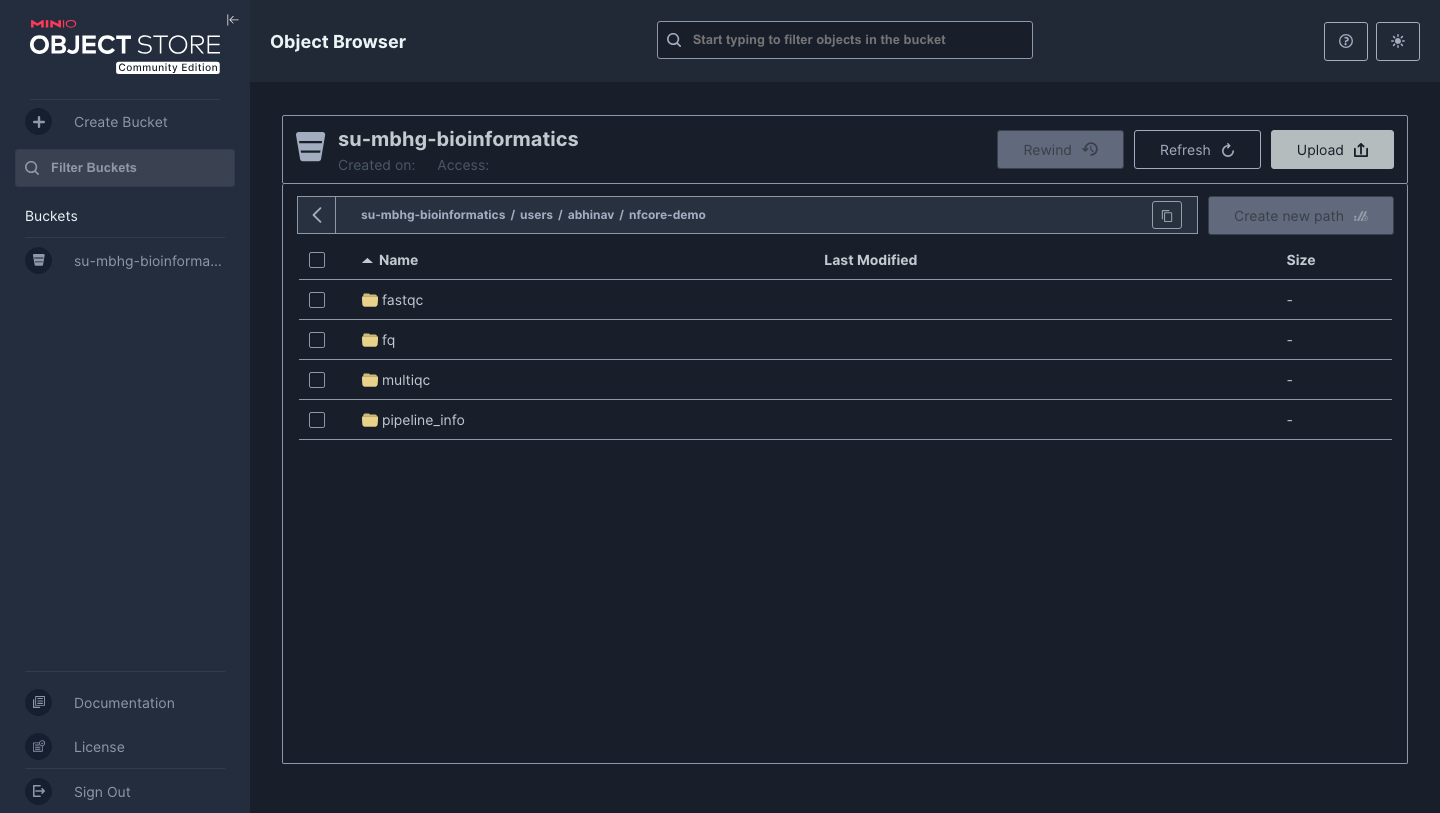
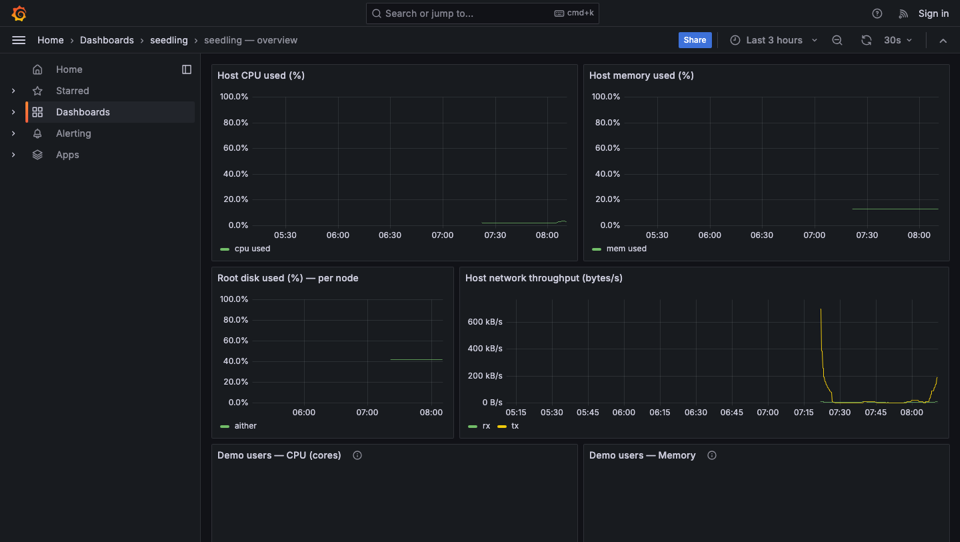
abc app deploy — no Nomad HCL, router config, or DNS to write by hand. Each app gets its own subdomain.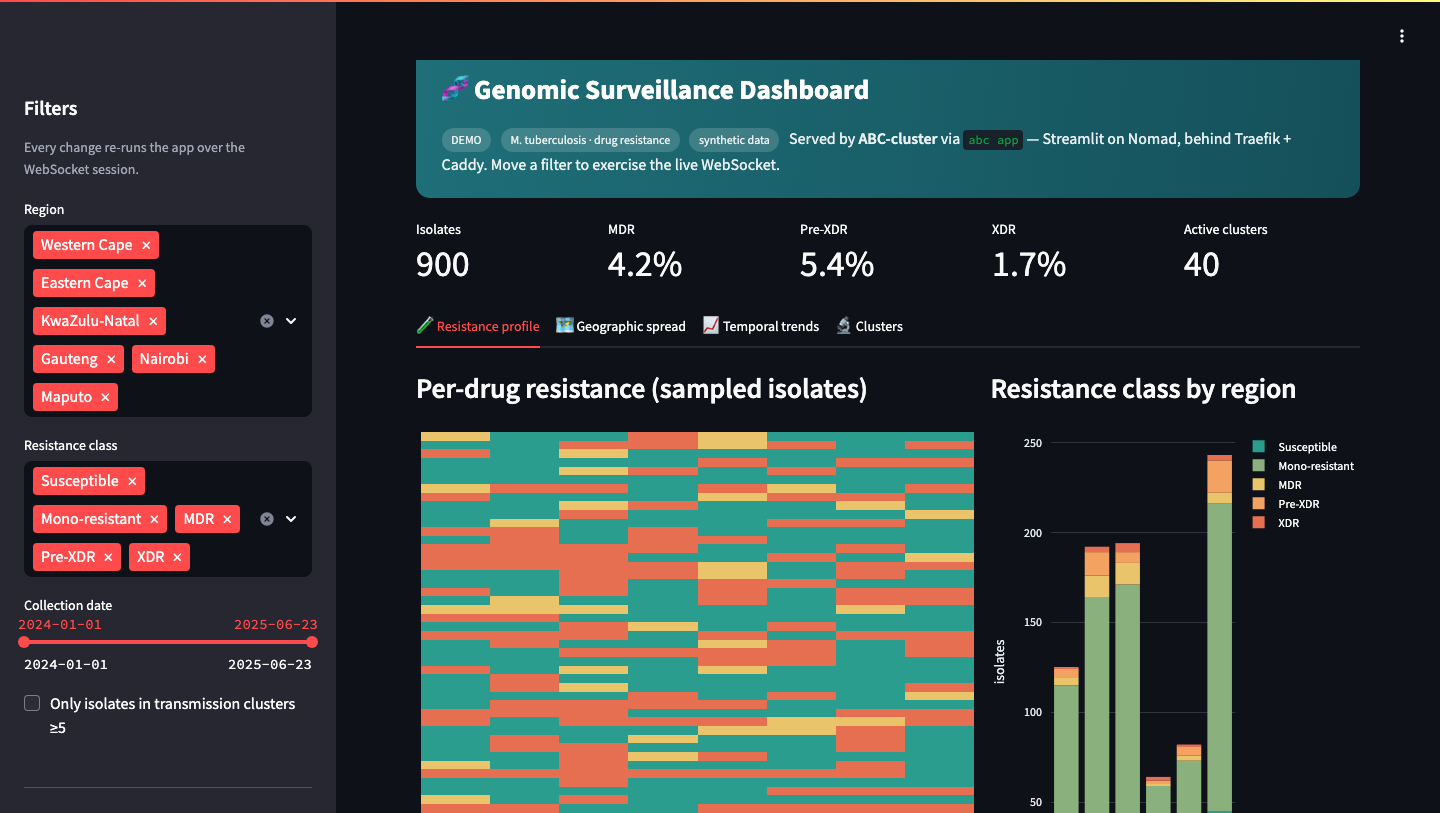
Get the abc CLI.
The abc CLI is the single entrypoint to the cluster — Linux, macOS, and Windows.
Pick one of the install commands below, then head to the
seedling docs for tutorials, walkthroughs, and the full CLI reference.
$ curl -fsSL -H "Accept: application/vnd.github.raw+json" \
    "https://api.github.com/repos/abc-cluster/abc-cluster-cli/contents/scripts/install-abc.sh?ref=main" \
  | sh -s -- --sudo
$ curl -fsSL -H "Accept: application/vnd.github.raw+json" \
    "https://api.github.com/repos/abc-cluster/abc-cluster-cli/contents/scripts/install-abc.sh?ref=main" \
  | sh -s --
$ export PATH="$PWD:$PATH"
After install, verify with abc --version. Next steps live in the docs — quickstart, tutorials, CLI reference.
Docs.
Start at quickstart if you're new.
abc job, ship a first investigation. ~15 minutes.data, job, pipeline, inv, report — every flag, every example, every gotcha.Get access.
Have a claim code? Paste it below for instant credentials — a pseudonymous handle (e.g. brave_pangolin) plus a one-shot config.yaml download. Closed beta for BMRI, Stellenbosch University research groups; do not upload sensitive data — all data is wiped every 14 days. No code yet? Leave the code blank and tell us about your work; the operator replies within 48 hours, usually with a code.